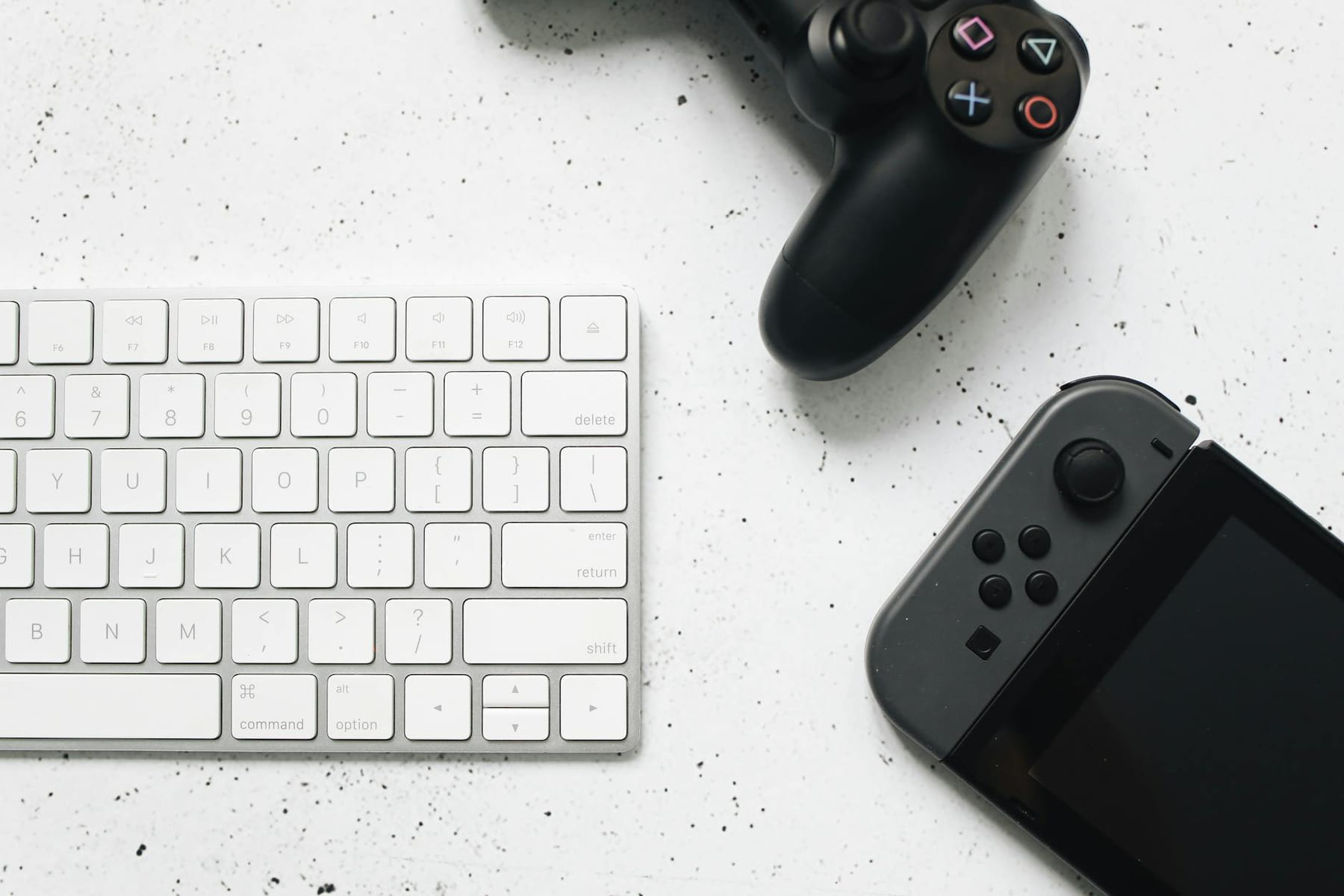
Hey everyone, Jennifer Grant here from The Loading Screen! Let’s be honest, we’ve all been there - furiously mashing keys in a game, desperately trying to type a quick command, and then… thunk. A frustratingly slow, unresponsive key. It’s a tiny annoyance, sure, but in the heat of battle, or while crafting a vital potion, that lag can completely derail your experience. I've spent countless hours lost in virtual worlds, and I’ve learned a thing or two about what makes a good gaming experience truly good. And a huge part of that? Your keyboard. Seriously. It's not just a tool for typing out your daily emails; it’s your direct line to the game world.
Now, you don’t need to drop a fortune on a top-of-the-line mechanical keyboard to see a difference. But understanding the basics and choosing a keyboard that’s designed with gamers in mind can dramatically improve your gameplay and, frankly, your overall enjoyment. Let’s dive in and explore what makes a gaming keyboard a worthwhile investment - and how to find the perfect one for you.
Why a Dedicated Gaming Keyboard Matters
Traditional keyboards, the ones we use for everything from writing reports to browsing the internet, aren’t always optimized for the demands of gaming. They often have mushy, inconsistent key presses, slow response times, and a lack of customization options. A gaming keyboard, on the other hand, is built with specific features in mind. Think of it like this: a painter wouldn’t use a blunt crayon to create a masterpiece - they’d use a fine-tipped brush. Similarly, a gamer needs a keyboard that responds accurately and quickly.
Here's a breakdown of the key differences:
- Faster Response Times: Gaming keyboards boast incredibly low latency - the delay between pressing a key and the action registering on screen. This is crucial for fast-paced games where milliseconds matter.
- Mechanical Switches: This is where things get really interesting. Most gaming keyboards use mechanical switches, which offer a much more tactile and responsive feel than the rubber dome switches found in standard keyboards. Different switch types (more on that later!) provide varying levels of feedback and actuation force.
- Customizable Macros: Macros allow you to assign complex sequences of keys to a single button. Imagine executing a complicated ability in an RPG with just one press - that’s the power of macros.
- N-Key Rollover (NKRO): This feature ensures that every key press is registered, even if you’re pressing multiple keys simultaneously. It’s a lifesaver in chaotic battles.
- Dedicated Media Controls: Quick access to volume controls, playback, and other media functions is a must-have for long gaming sessions.
Understanding Mechanical Switches
Okay, let’s talk about switches. They’re the heart of a mechanical keyboard, and understanding the different types can feel a little overwhelming at first. But trust me, it’s worth the effort. Here are a few of the most popular types:
- Cherry MX Red: These are known for their linear feel - they’re smooth and consistent with no tactile bump. They’re a great choice for fast-paced games like first-person shooters. Think of them as a smooth, gliding stream.
- Cherry MX Blue: These are clicky switches, meaning they make a distinct audible click with each key press. They offer a lot of tactile feedback, which some gamers find satisfying. They’re fantastic for games that require precise key presses, like strategy games.
- Cherry MX Brown: A good middle ground between Reds and Blues, Browns offer a subtle tactile bump without the loud click. They’re versatile and suitable for a wide range of games.
- Other Brands: While Cherry MX is the most well-known, other brands like Gateron, Kailh, and Razer offer excellent mechanical switches with their own unique characteristics.
It’s really important to try out different switches if possible. Many retailers offer switch testers, allowing you to experience the feel of each type before committing to a full keyboard. Don't just read about them - feel them!
Key Features to Look For
Beyond the switches, here are a few other features to consider when choosing a gaming keyboard:
- Backlighting: RGB backlighting isn't just for aesthetics; it can help you see keys clearly in low-light conditions.
- Wrist Rest: A comfortable wrist rest can help prevent strain during long gaming sessions.
- Build Quality: Look for a keyboard with a sturdy frame and durable keycaps. You want something that will last.
- Connectivity: Most gaming keyboards connect via USB, but wireless options are becoming increasingly popular.
Budget Considerations
Gaming keyboards range in price from around $50 to upwards of $300. You don’t need to spend a fortune to get a good one, but investing in a quality keyboard can definitely improve your gaming experience. Here’s a rough guideline:
- $50-$100: You can find decent entry-level gaming keyboards with basic features and Cherry MX Red switches.
- $100-$200: This range offers a wider selection of keyboards with more advanced features, such as customizable RGB lighting and macro keys.
- $200+: At this price point, you’ll find premium keyboards with top-tier switches, build quality, and features.
Beyond the Keyboard: Software and Customization
Many gaming keyboards come with dedicated software that allows you to customize key bindings, create macros, and adjust RGB lighting. Take the time to explore the software and learn how to optimize your keyboard for your favorite games. It’s like having a personal command center for your gaming setup! For example, I love using Corsair’s iCUE software to assign complex attack combos to a single key in Cyberpunk 2077 - it’s a game-changer.
Pick the easiest win first
Most people get better results with Gaming Keyboards: A Typing Upgrade when they narrow the decision to one real problem. That could be saving time, trimming cost, reducing friction, or making the routine easier to keep up.
This usually gets easier once you make a short list of priorities. A tighter list tends to produce better decisions than trying to solve every possible problem at once.
Another useful filter is asking what you would still recommend if the budget got tighter, the schedule got busier, or the setup had to be easier for someone else to manage. The answers to that question usually reveal which advice is durable and which advice only works under ideal conditions.
The tradeoff most people notice late
One common mistake with Gaming Keyboards: A Typing Upgrade is expecting every option to solve the whole problem. In reality, some choices are better for convenience, some for reliability, and some simply for keeping the budget under control.
Before spending more, it is worth checking the setup, upkeep, and learning curve. Small hassles matter here because they are usually what decide whether something stays useful or gets ignored.
It is easy to underestimate how much clarity comes from removing one unnecessary layer. In practice, trimming one complication often does more for Gaming Keyboards: A Typing Upgrade than adding one more feature, one more product, or one more clever workaround.
Final Thoughts
Investing in a gaming keyboard is an investment in your gaming experience. It’s a small detail that can make a big difference, particularly in competitive games. Don’t underestimate the power of a responsive, well-built keyboard. Do your research, try out different switches, and find a keyboard that feels right for you. Happy gaming, everyone! And remember, every click counts!
Keep This Practical
The next good gaming choice is usually the one that fits your platform, schedule, and mood, not just the loudest release cycle. Keep the selection practical and the experience improves.